
A desktop video archive
Your archive,
in order.
Archive public videos you own or have permission to save. Sort oldest first and keep captions with each file.
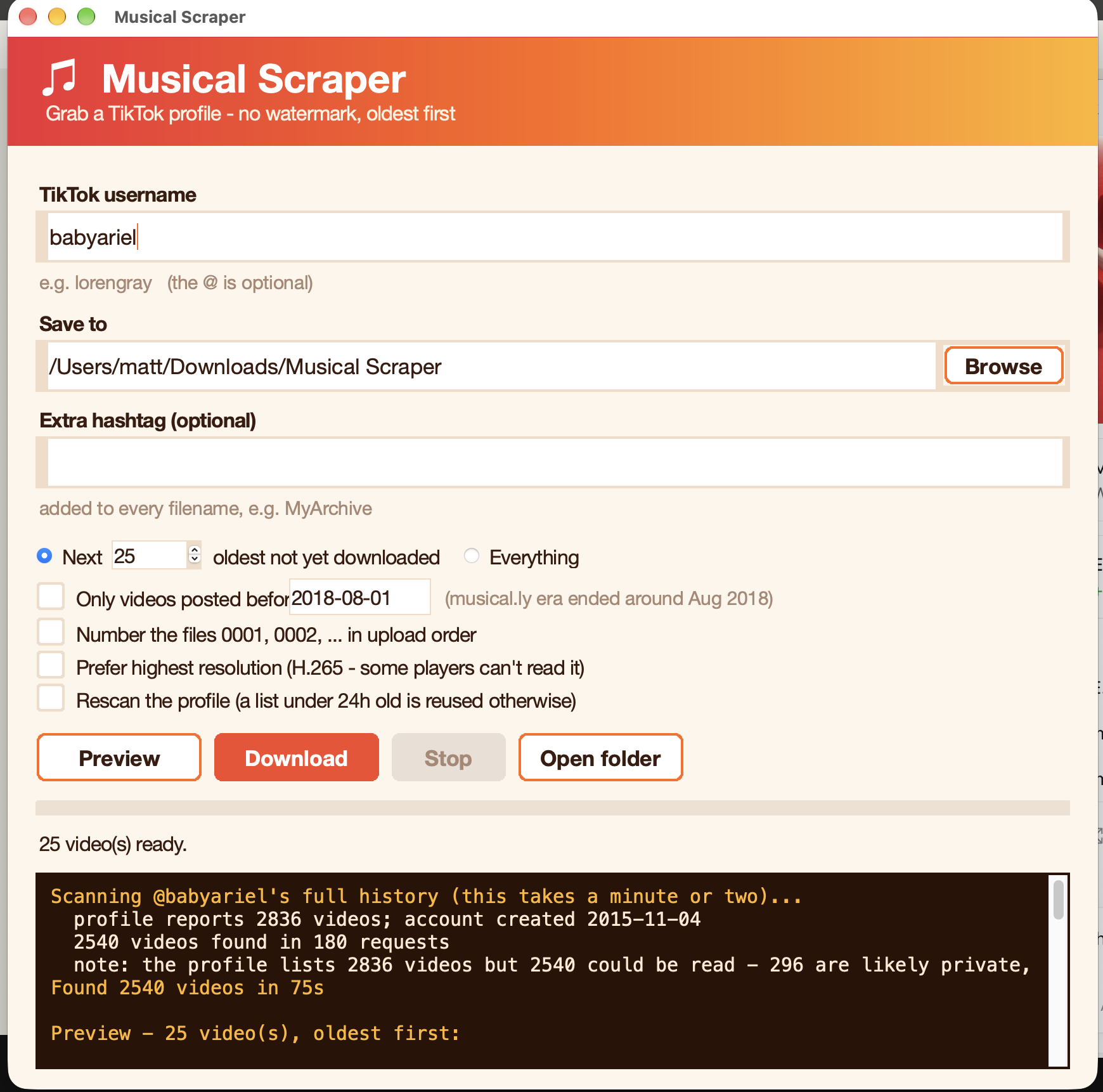
From profile to personal library
Start at the beginning.
Choose a public profile and preview its posts in upload-date order. Save a batch, pick up where you left off, and keep the collection on your own computer.
See how the archive works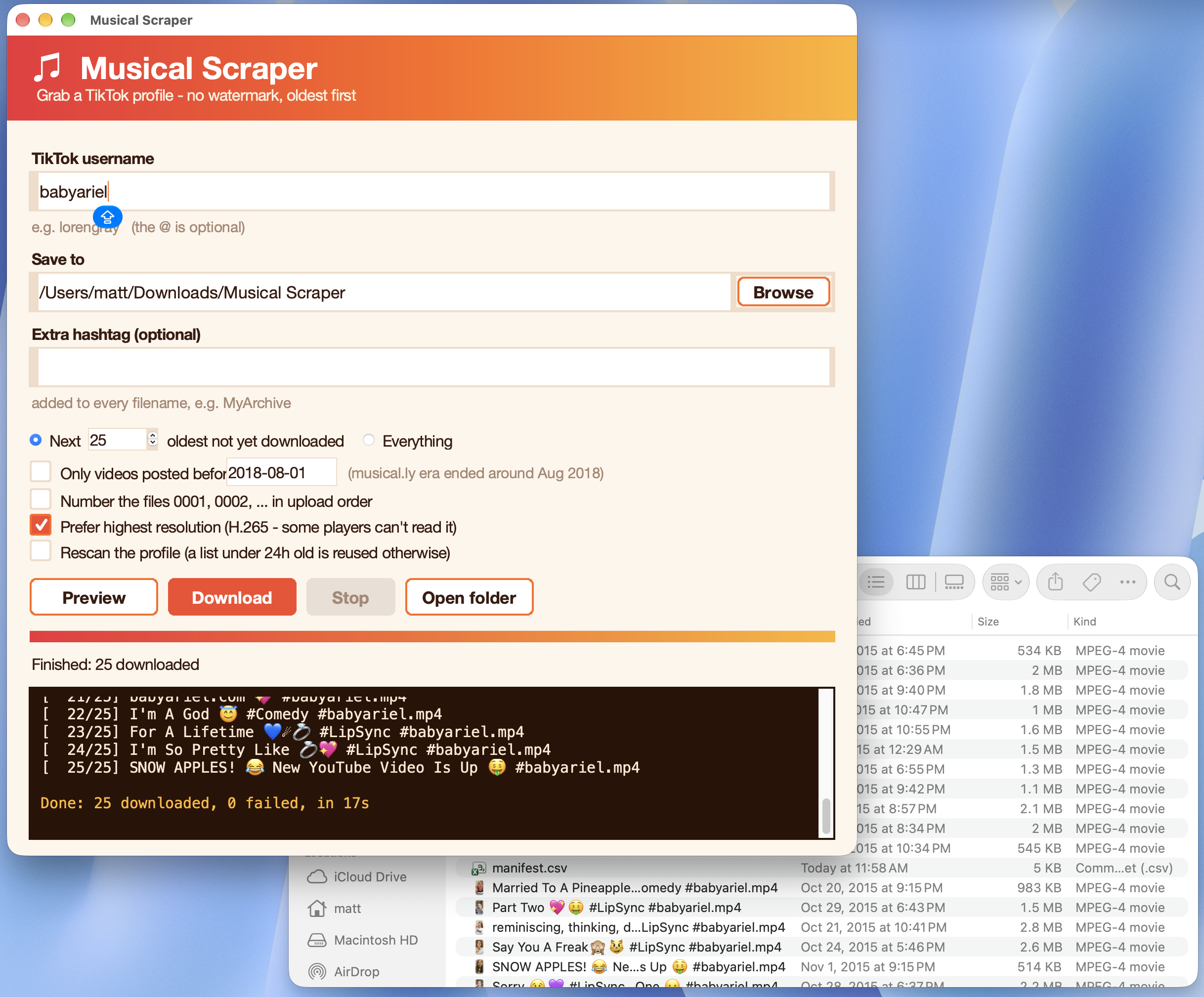
Made for the way you remember.
Useful details stay with the videos, so the archive still makes sense long after the download finishes.
Keep the timeline
Sort from oldest to newest, filter by date, and preserve original upload times.
Recognize every file
Use the video caption as the filename, with optional archive and username tags.
video caption #username.mp4
Continue anytime
Preview filenames first, then resume later without saving the same videos twice.
Made for personal archiving
Save thoughtfully.
Use the app only for videos you own or have permission to archive. A public post is not permission to repost. Musical Scraper is an independent project and is not affiliated with TikTok.